October 31, 2026
Best Tools for Creating AI Mobile Games in 2026
A practical rundown of the best tools for building AI mobile games, what each one is actually good at, and how to pick one without wasting a weekend.
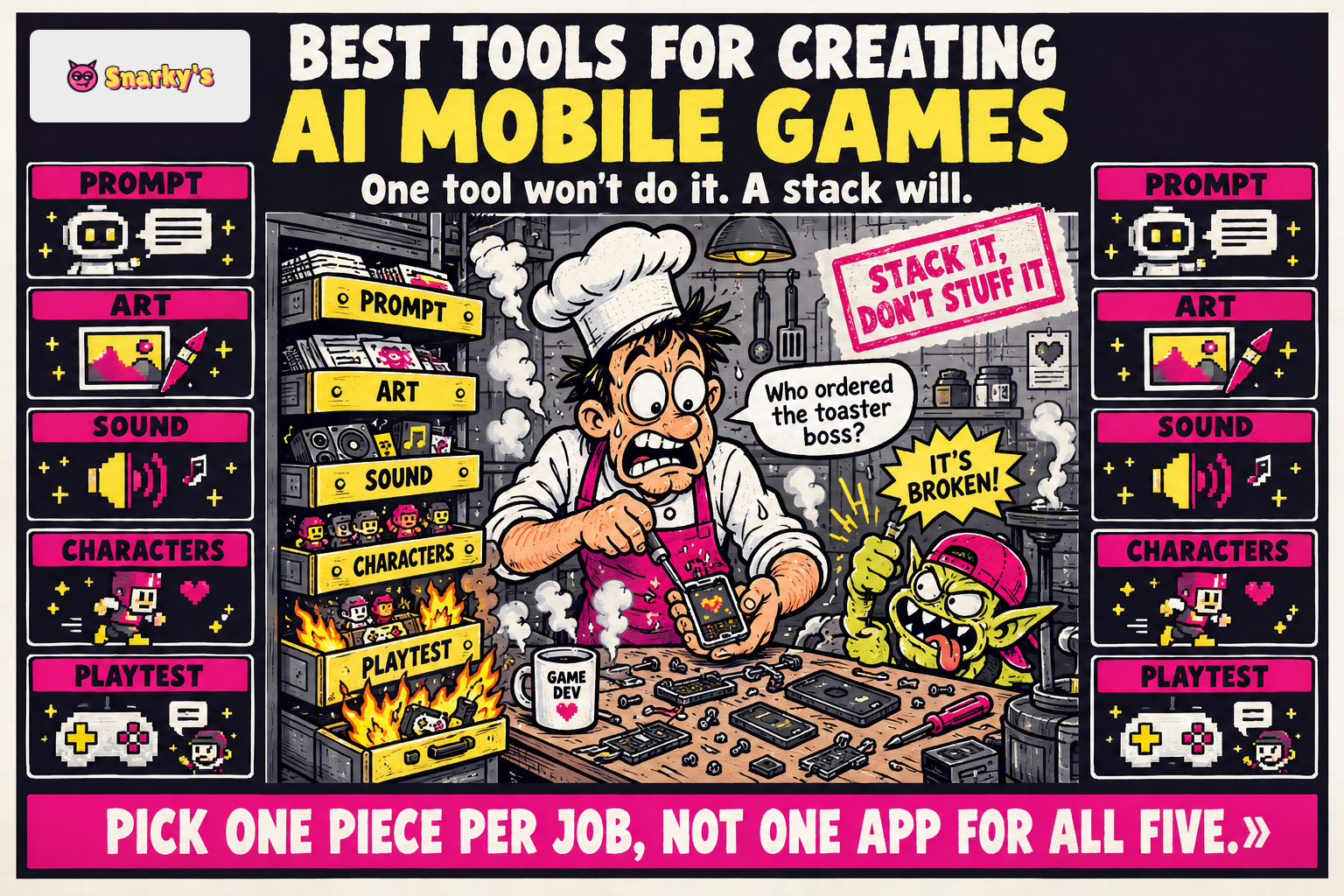
"What are the best tools for creating AI mobile games in 2026?" The honest answer is that there isn't one tool — there's a stack, and the smart move is picking one piece per job instead of hoping a single app does all five.
A mobile game needs a loop that plays well, art that doesn't look like placeholder, sound that fits, characters that behave, and some way to see where real players rage-quit. AI can help with every one of those, but the tools that are good at generating a shooter prototype are not the tools that are good at generating a 3D asset or spotting a broken onboarding step. Treat this like a buyer's guide, not a leaderboard.
Here is what each category is good at, what it is bad at, and how to tell when you've picked the wrong one.
Prompt-to-Game Engines Do the First 80%
This is the layer that turns a sentence into something you can actually play. You describe a tower defense where the enemies are angry toasters, and a browser build appears. The point is speed to a loop you can feel with your thumbs, not a shipped game.
The ceiling has moved fast. Rosebud AI has supported more than 2.5 million user-created games with a team of just three engineers, and creators can generate and play a V1 game in under two minutes. On the mobile-specific end, Buildbox 4 added a text-to-game AI feature that generates game assets and level structures from natural-language prompts, aimed at hyper-casual and casual mobile studios. Our own prompt-to-game flow sits in the same category, with a focus on 2D and 3D browser games you can then package for app stores using your own developer accounts.
What they're good at: the first draft. The core mechanic. A playable thing you can show a friend before dinner.
What they're bad at: anything that depends on exact tuning. Jump arcs that feel floaty, difficulty curves that peak at the wrong level, economy balancing in a free-to-play loop. You will still tweak those by hand or by chatting your way through revisions. A prompt will not save you from a boss that is really just a bigger enemy with more HP.
Pick for: speed, iteration, and the hardest part of any project, which is starting.
Art and Sound Generators Fill the Blank Canvas
Art is the category where generative tools have had the loudest year, and also the one where the quality distance between good output and ugly output is widest.
For 3D models, speed matters because mobile pipelines eat polygons for breakfast. Meshy generates a preview mesh in roughly 30 seconds and a fully textured, production-quality model in under 2 minutes, and in a blind benchmark with 605 senior 3D artists at NetEase and Tencent, Meshy 6 was preferred over Tripo 3.1 by 63.8% to 36.2%. For 2D style consistency across a whole level, Scenario is used by more than 15,000 customers, including Ubisoft, Unity, The Sandbox, Scopely and InnoGames, and is SOC 2 Type II compliant, which is the sort of thing a publisher cares about when they ask where your art came from.
Sound is the quietly critical one. A platformer with great art and no footstep sound effects feels broken in a way players can't quite articulate. AI music and SFX tools solve the "my game has no audio because audio is hard" problem without you learning a DAW.
What they're good at: filling in missing pieces. Variants. The eighteenth enemy skin.
What they're bad at: hero assets. The main character, the title screen, the one image on your store page — those still deserve human attention, even if an AI drafted the first version. Rights also matter: check the license on whatever you generate before you ship it to an app store.
No-Code Mobile Wrappers Get You to a Store Listing
You built the game in a browser. Now it needs an icon, a signed build, a privacy policy, and a listing on two app stores run by companies that will reject you for the font on your splash screen. This is where the wrapper layer earns its keep.
A good no-code mobile game maker handles the packaging without asking you to open Xcode. The browser-to-mobile game path is the shortest route from "it works on my laptop" to "it is on my phone" without hiring a native developer. Snarky's packages games for app stores using the creator's own developer accounts, which keeps the listing in your name instead of a reseller's.
What they're good at: cutting the two weeks of build config down to an afternoon.
What they're bad at: hiding native quirks. iOS and Android handle notifications, in-app purchases and background audio differently, and no wrapper fully abstracts that away. If your game needs deep native integration, you will still need a native developer at some point. Most hyper-casual and casual games don't.
AI Character Tools Replace the Dialog Tree
The oldest trick in RPG writing is the branching dialog tree: ten pre-written responses, three endings, hope the player doesn't notice. AI characters replace the tree with a model that can actually talk back inside the game, stay in character, and remember what the player said two scenes ago.
This is also the category where you need to be careful about where the AI touches the player. According to the 2026 GDC data, only 5% of developers using generative AI put AI output in front of players, with player-facing features representing the smallest category of use. The honest reading is that live AI is still experimental, and most studios keep it in the engine room.
What they're good at: NPCs who need to react to anything, side characters in open-ended games, Dungeon Master style systems, companions that stay interesting past hour five.
What they're bad at: anything safety-critical, anything where the model saying the wrong thing breaks the fiction, and anything that needs tight pacing. A boss monolog written by a model will ramble; a boss monolog written by you and voiced by a model will not.
Playtest and Analytics Helpers Tell You Where It Breaks
You can build a mobile game in a weekend. You cannot tell whether it is any good in a weekend. Playtest and analytics tools are the layer most hobbyists skip and most professionals swear by.
AI helpers here come in two flavors. The first runs automated playthroughs to find level sections that softlock, buttons that don't register, UI that overlaps on an odd screen size. The second reads real player sessions and tells you where retention falls off a cliff: tutorial step three, the second boss, the moment you ask for an email.
The useful reframe from the 2026 GDC survey is that AI is a productivity tool, not a creative one. 81% of AI-using developers use generative AI for research and brainstorming, 47% for code assistance, and 35% for prototyping. Playtest helpers fit that pattern exactly: they free you up to think about what the game is, instead of logging bug reports by hand.
What they're good at: catching obvious breakage fast, surfacing the drop-off step you were too close to see.
What they're bad at: taste. An analytics tool will tell you players quit at level four. It will not tell you the fight is unfair or the music is annoying. That still takes a human playing the thing.
How to Assemble the Stack Without Getting Lost
The trap with a buyer's guide is reading five sections and buying five tools. Don't. Start with one prompt-to-game engine and ship something ugly. Then add the next layer only when you feel the specific pain it solves.
For context on where this scale is going, mobile is still the biggest slice of the market by a long distance.
If you want a longer read on the shift this piece sits inside, we covered how AI is reshaping how mobile games get made and played and the mechanics of generating a video game automatically with AI. Both go deeper on the "why" so this one can stay on the "which."
For a sense of what the end result looks like in the wild, browse games made on Snarky's and notice which categories (runners, tower defense, party brawlers) have taken off and which haven't. That tells you more about what works on a phone screen than any tool list will.
Which Path to Pick
Choose a prompt-to-game engine plus a wrapper if you want a playable mobile build quickly and are willing to tune the feel yourself. Add art and sound generators next, once you can name the specific asset you're missing. Reach for AI characters only when the game's hook actually depends on a character talking back, not because the feature sounds cool. And bring in playtest and analytics helpers the moment you have more than ten players; before that, you are the playtest.
Describe a game. Play it seconds later.